Your gauge, managed
from anywhere
Customize themes, choose sensors, and pin firmware from a powerful web panel. Your device syncs automatically over hotspot whenever you're parked.
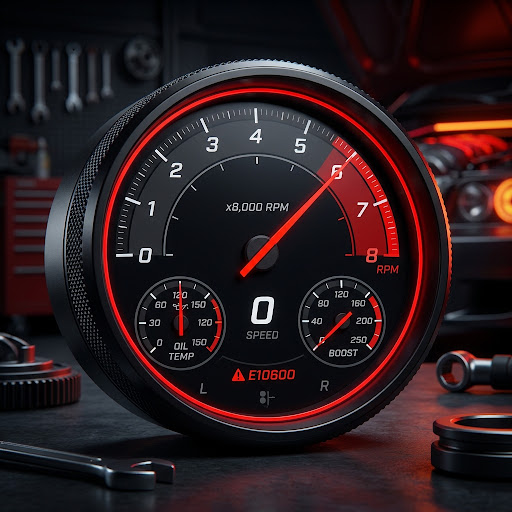
See it live.
A simulated preview of the exact 360×360 round display on your dash — color shifts from blue to red as revs climb, just like the real gauge.
Precision Control.
Every millisecond counts on the track. SMNGauge puts essential ECU and sensor data directly in your line of sight, with a dashboard built for performance enthusiasts.
Hondata FlashPro integration
FlashPro data, ready when you drive.

SMNGauge automatically finds and connects to your Hondata FlashPro over Bluetooth Low Energy. There is no phone to mount, no app to launch, and no pairing routine to repeat before every drive. When FlashPro is available, the gauge establishes the connection quietly in the background.
FlashPro is discovered
The gauge looks for the nearby FlashPro BLE broadcast and connects as soon as it is in range.
ECU communication starts
After connecting, the ELM initialization sequence completes and prepares the live ECU data stream.
Watch live values
Essential values update on the gauge while you drive. If the connection drops, SMNGauge searches again automatically.
FlashPro values work alongside SMNGauge sensor channels on one focused, easy-to-read display.
* Available values depend on the PID support of your vehicle ECU and FlashPro connection.
Built around the alarm
See the warning. Keep the evidence.
When a monitored value reaches its alarm condition, SMNGauge keeps the most recent two minutes of live data in its local memory. You do not have to remember to press Hondata’s log button while managing the car.
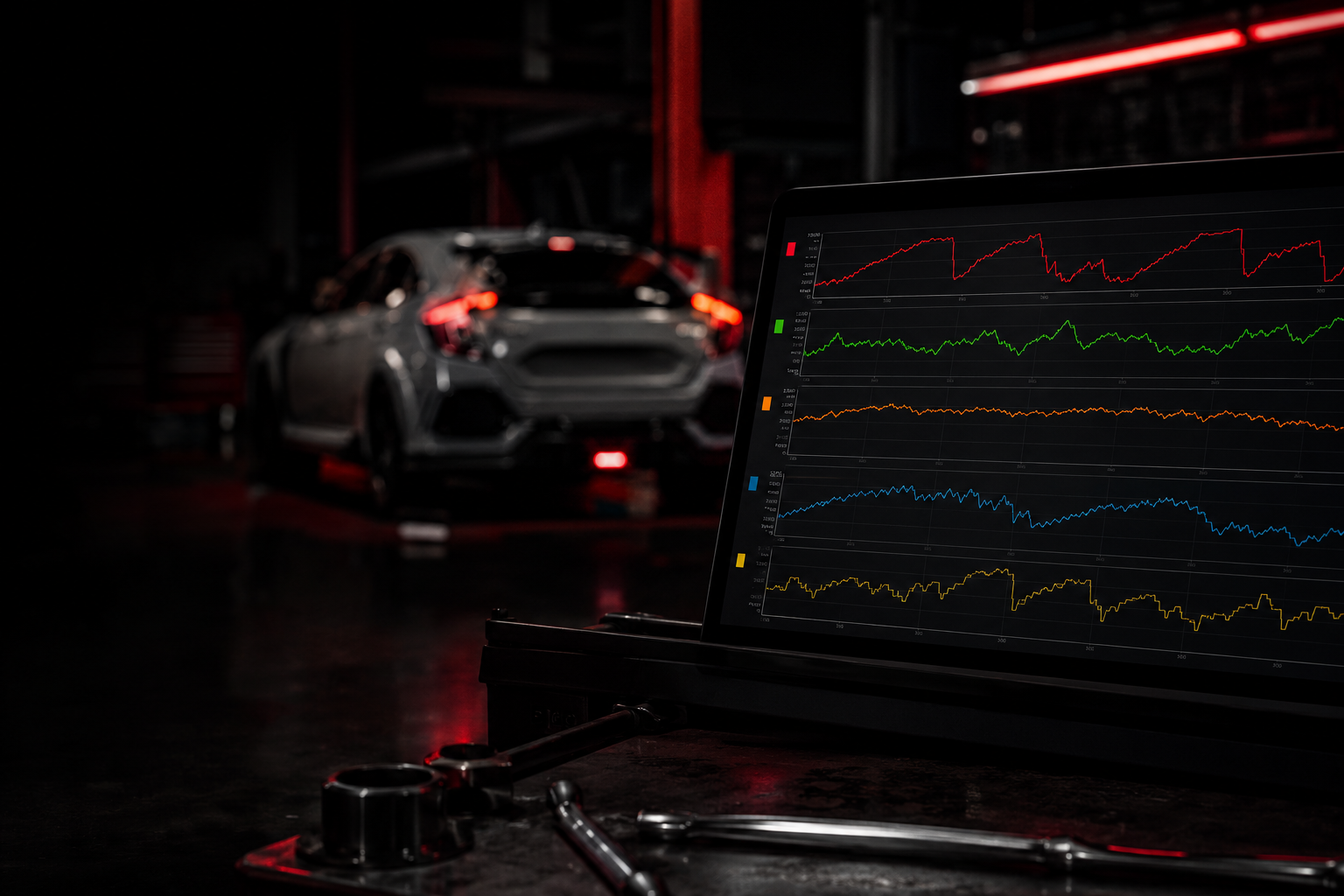
Two-minute rolling log
Press “Get Log” on the gauge.
The gauge saves that rolling two-minute window as a log. Once it syncs, the saved record is uploaded to your panel, where you can inspect it with detailed graphs instead of trying to reconstruct what happened from memory.
2 min buffer
Get Log
Panel graphs
Theme Gallery
A curated collection of high-contrast Screen 1 backgrounds, brand badges and splash logos, optimized for visibility under direct sunlight.
Sensor Layout
Pick exactly 8 of 10 channels — Oil, Boost, EGT, AFR, Ethanol and more. Order them to match your Screen 2 grid.
Firmware Control
Follow the latest stable channel or pin a specific version. SHA256-verified, rollback-protected — you never lose calibration data.
Telemetry & Logs
Save the gauge’s last 2 minutes of live data with Get Log, then inspect each recorded event through detailed graphs in the panel.
How sync works
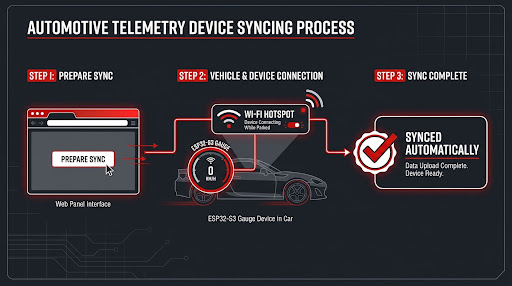
Zero-cable management. The device is offline in the car (ESP-NOW); it connects to your hotspot only while parked and syncs in a short window.
Prepare panel
Configure theme, sensor layout and firmware in the web panel. Changes queue as a pending config version.
Device connects
While parked, SMNGauge joins your saved 2.4GHz hotspot and authenticates to the VPS.
Auto-sync
Config and assets flow down (SHA256 verified); telemetry and logs flow up. Then it returns to ESP-NOW.